Email your CME requests. They get handled.
Used by learners at 150+ institutions, including





How Sol works
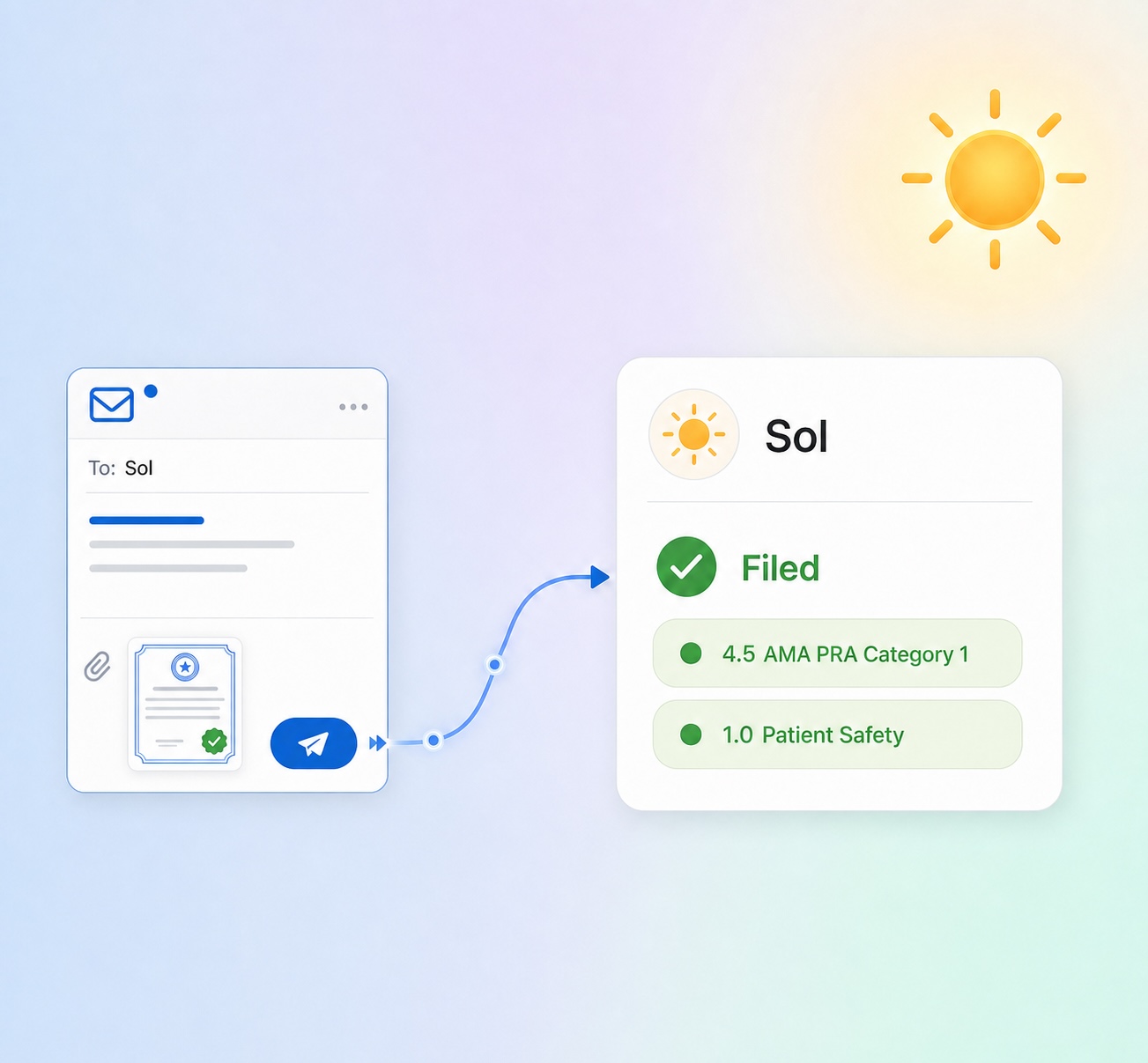
1. Email your request
Forward a certificate, ask what you still need, or request an audit report — in plain words, from any device. No forms, no logging in.
2. Sol reviews and acts
Sol reads your email, checks it against your licenses and requirements, and does the work — filing credits, pulling your status, preparing documents.
3. You get a confirmation
Sol replies with exactly what happened — what was filed, what it found, or a link to your document — and flags anything that needs your eye.
Everything you'd hand to a great CME admin
Files your certificates
Forward one — Sol reads it and files the credits, correctly tagged.
Knows what you still need
“What’s left on my Texas license?” — a grounded answer.
Makes your documents
Request a certificate or audit report; Sol emails the link.
Keeps licenses current
Email a renewal date — Sol updates it.
Confirms what was sent
“Did my credits reach CE Broker?” — answered.
Reminds you on your terms
Nudges timed to the renewal, on your cadence.
New to Orbit?
Pick your license or board to set up your account. Then email Sol your first certificate and watch it file itself.
Already a member?
If you emailed Sol from an address we didn't recognize, log in and add it under your connected addresses. Sol will accept certificates from that inbox once it's confirmed.
Log in to connect itMeet your AI for CME Compliance

Configure Orbit
Enter your licenses, due dates, and areas of practice, which configures Orbit to give you the most relevant and efficient experience.

Read abstracts you choose
Select and read abstracts in Orbit that match your specific clinical practice needs and credit requirements.

Enjoy life outside of CME
Watch your compliance go to 100%, and then forget about CME while you spend more time with your patients and life outside of work. Receive an email from Orbit when you have new credits due.

What leading providers say

“This is the kind of product I would recommend to my friends and colleagues in emergency medicine. Easier than listening to podcasts, Orbit lets me earn credit for articles I already access while caring for my ER patients. This plugin saves me time.”
Amit Arwindekar | MD MBA
Emergency Medicine & Informatics

“As a busy anesthesiology attending, delivering excellent clinical care is my singular focus. Orbit completely takes care of my CME for MOCA® 2.0 while I keep my eyes focused on what matters most - my patients.”
Marissa Wagner Mery | MD MBA
Anesthesiologist, Critical Care Medicine

“We've all seen the emails from colleagues, the social media posts... "what's the best way to get CME?" Orbit is the easiest and most affordable way to get all of the CME you need, by doing what you do anyways. I 100% recommend Orbit CME to every radiologist.”
Kellie Curtis | MD
Radiologist, Pediatric Imaging

“If you're looking for CME to renew your CA fluoroscopy license, this is the right spot. Orbit is designed for doctors, satisfies the fluoroscopy license renewal, and respects your time.”
Payam Farjoodi | MD
Orthopaedic Spine Surgeon

“Orbit's team is responsive and professional and their customer service is superb. Being current with peer-reviewed literature is paramount to our patient care, and Orbit's plugin recognizes that learning for MOCA® 2.0-compliant Category 1 CME.”
Bradley Anderson | MD
Cardiothoracic Anesthesiologist
Frequently asked
questions


Get started today
Harness our AI to streamline your credits and restore work-life balance